The idea
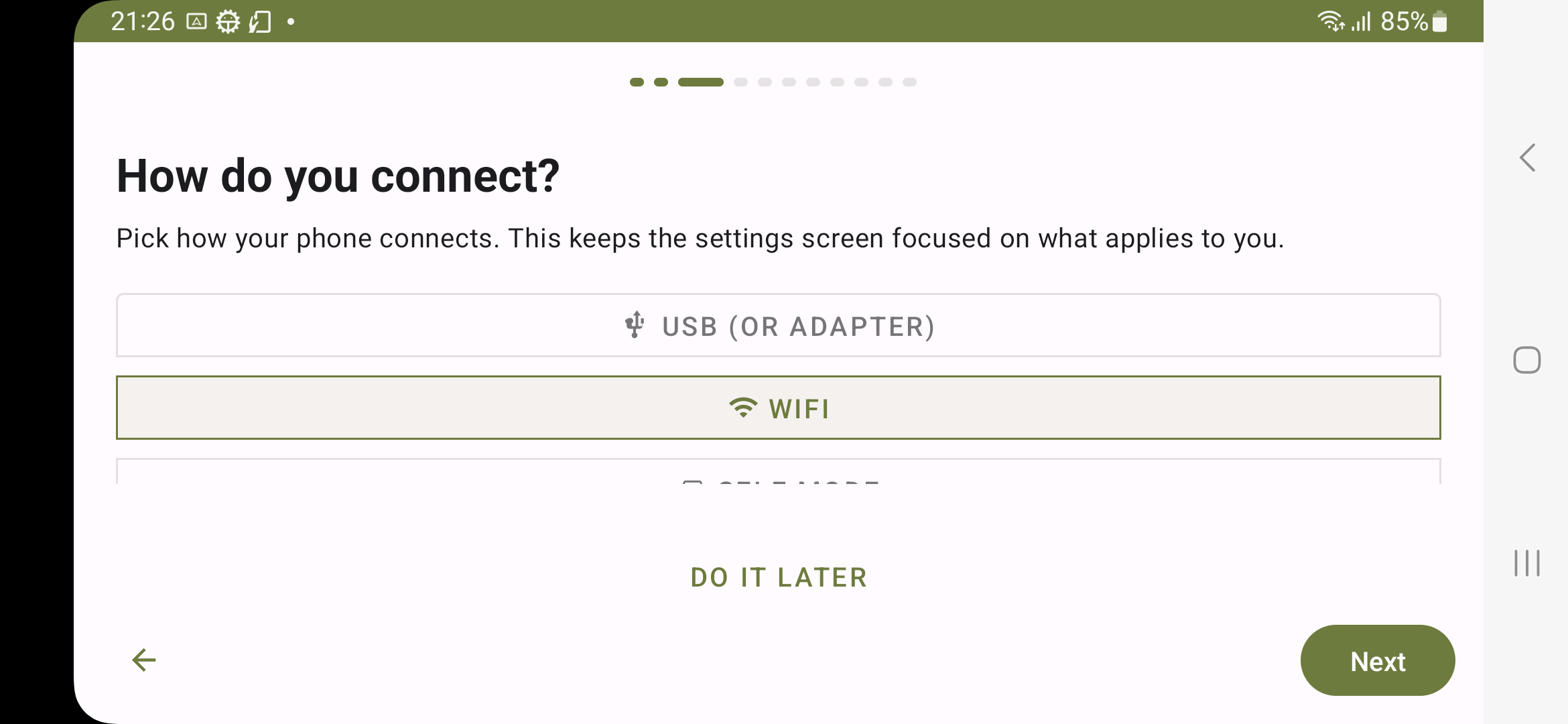
I wanted to turn a Samsung Galaxy XCover Pro into a dedicated wireless Android Auto display. I used a modified version of Open Headunit, without rooting it, adding a USB dongle, or installing a companion app on the phone sending Android Auto.
Getting it working
My setup uses the SM-G715U1 with Android 13 and One UI 5.1. I got Wi-Fi Direct projection and the landscape interface working. Projection also resumes after a restart.
The side key activates a touch lock for rain while projection continues.
What I changed along the way
In version 0.4.0, I removed TPMS after the kit I bought did not advertise data over Bluetooth LE. That left the map as the focus.
The next step is trying it on the road, especially the intercom audio and how it handles heat and power during a ride. Setup stays a parked-bike job.